
Shortlist / Practical ideas from Abdessalam
3 tools for a human-led editing workflow
Different roles for structural feedback, sentence-level clarity, and exploring alternatives without losing your voice.
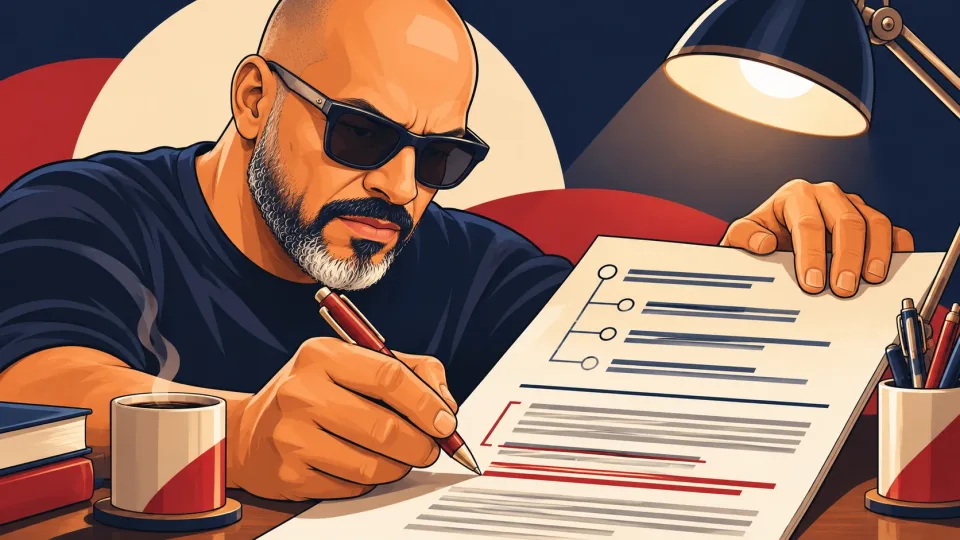
Editing is easier to control when you separate structure, sentence clarity, and idea exploration. Asking one tool to rewrite everything at once makes it harder to see which change helped.
Give each tool a narrow job, compare its suggestion with the original, and make the final wording yours.
Abdessalam’s shortlist
Three distinct editing roles
Claude

A conversational AI assistant for drafting, analysis, and working through long documents with follow-up questions.
My takeUse it to inspect the structure of a longer draft, find missing transitions, and ask where the argument needs support.
Useful for: Exploring a complicated brief, comparing interpretations, and revising structured writing.
Check first: Check every factual claim and avoid sharing confidential material unless your account and data settings fit the work.
Read about ClaudeGrammarly

Writing assistance for grammar, clarity, and tone when you already have a draft to improve.
My takeUse it for sentence-level friction after the meaning is settled. Accept changes one at a time when voice matters.
Useful for: Reviewing grammar, word choice, and tone in a draft.
Check first: Accept changes selectively. A style suggestion can change emphasis or remove a phrase that sounds like you.
Read about GrammarlyChatGPT

A conversational assistant for working through ideas, drafting text, and asking follow-up questions.
My takeUse it to explore alternative openings, examples, or explanations, then verify that the final choice still matches your intent.
Useful for: Exploring an outline, drafting alternatives, and revising a brief.
Check first: Verify claims against original sources and check the settings before sharing sensitive material.
Read about ChatGPT
How to make the shortlist useful
Choose one small piece of real work and define what a good result looks like. Compare correction time, source quality, privacy, and how easily you can leave the tool. Keep only the option that improves the whole workflow.
Checklist by Abdessalam
- Evidence
- Research note
- Difficulty
- Beginner
- Time
- 10 minutes
- Last checked
- September 10, 2026
Progress is saved in this browser. Nothing is sent to the site.
0 of 9 complete
Discussion

Community discussion
Join the discussion
Start here: Which option would you test first, and what constraint would decide it?
Share what you tried or add a useful correction. Be specific and kind.
Discussion guidelines
- Share direct experience when you can.
- Challenge ideas without attacking people.
- Do not post private information or promotional links.
Which option would you test first, and what constraint would decide it?
Continue where you left off
Add to the discussion
Sign in to join the discussion.